Login to NimbleStory
📘 Overview
Getting logged in to NimbleStory is much like any other modern web application.
📘 Instructions
-
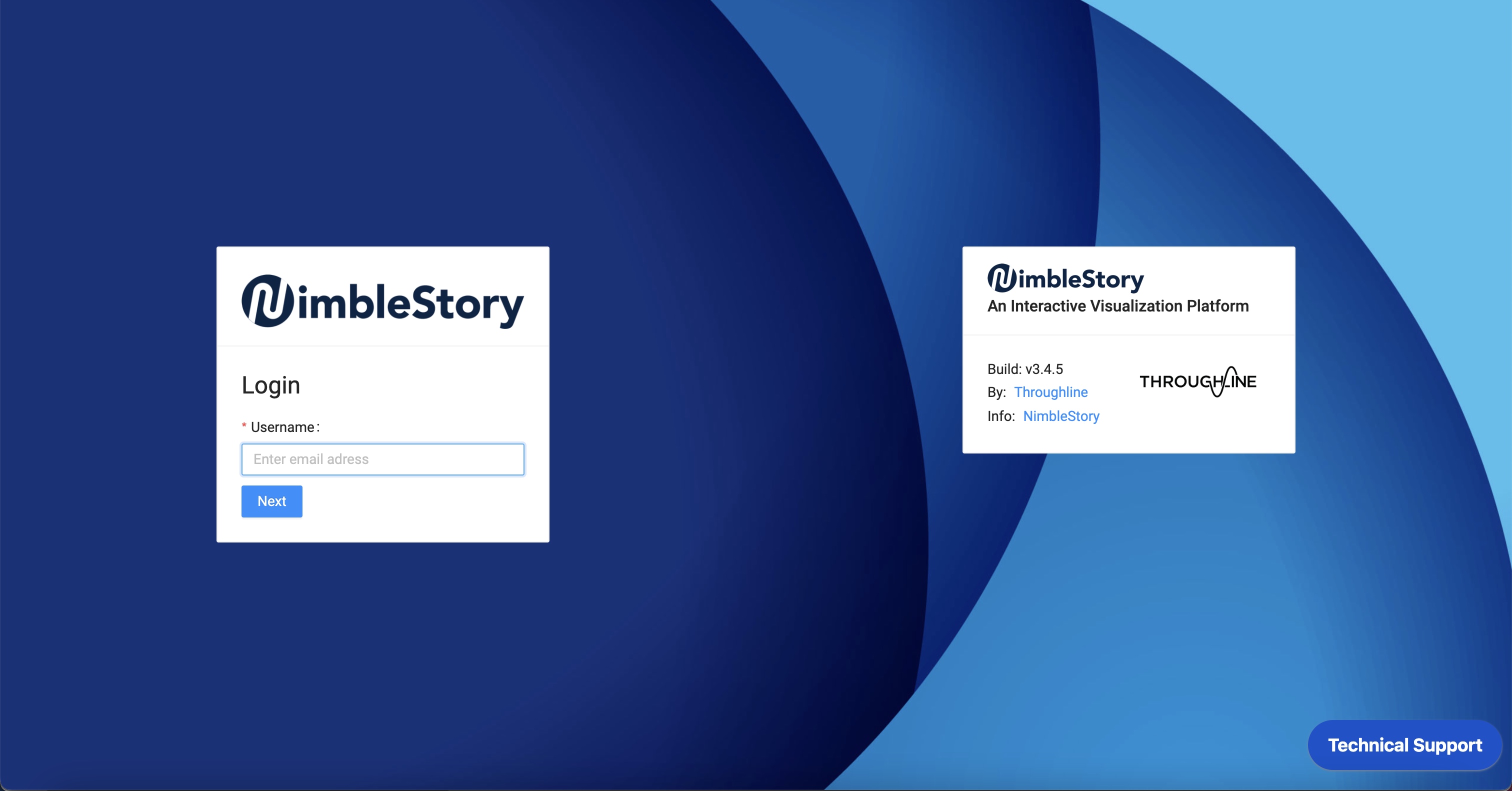
Navigate to https://throughline.nimblestory.com/login
-
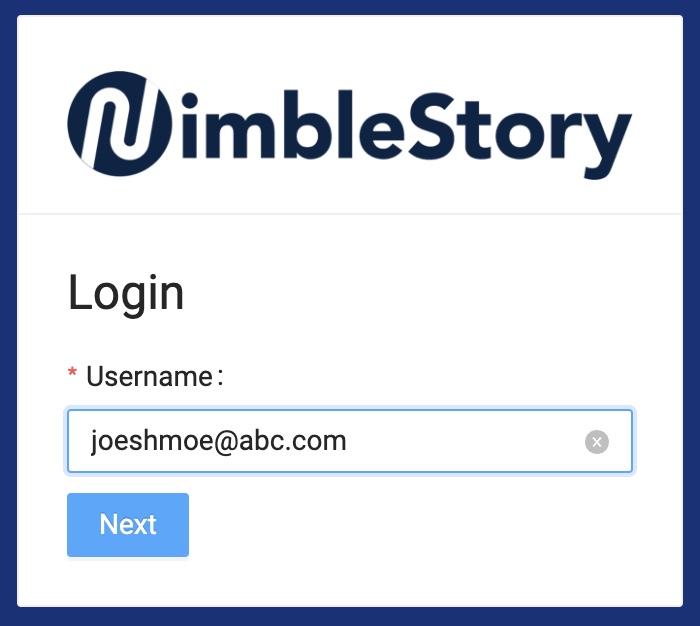
Use email address to log into NimbleStory and then select ‘Next’.
-
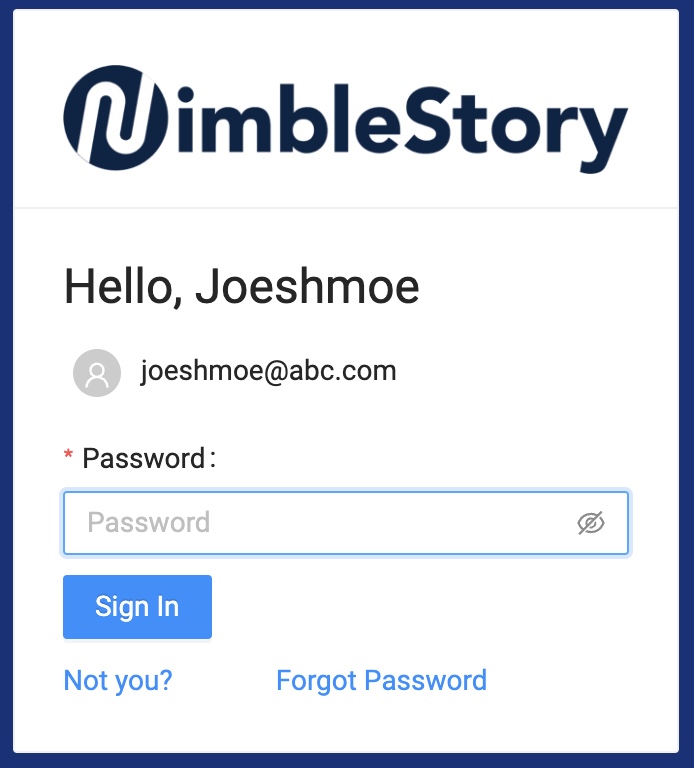
Enter password. If you forget password, you may reference this webpage. Resetting Your Password
-
Select ‘Sign In’.
-
If the email was incorrect, select ‘Not You?’. This will bring you back to the first screen to allow you enter the correct email.
-
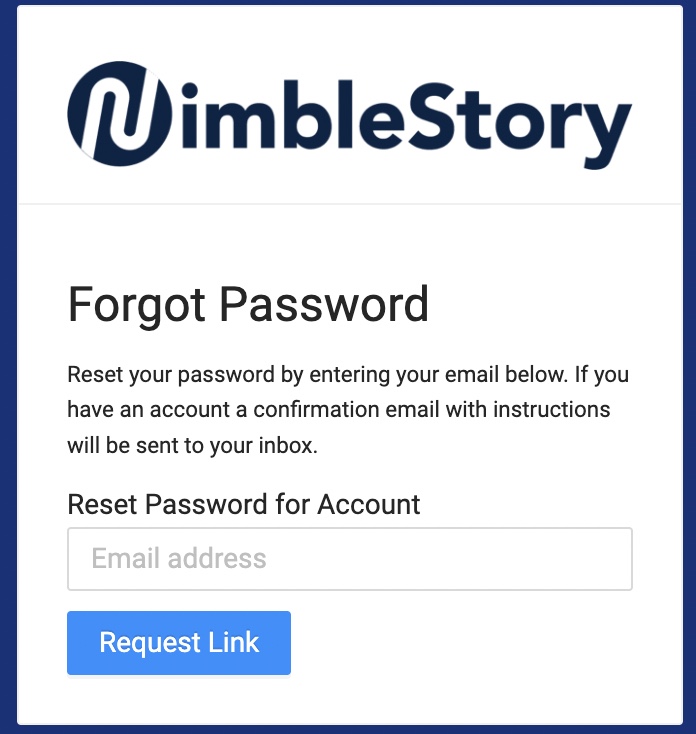
If you have forgotten your password, select ‘Forgot Password’ which will prompt you to enter your email. A link will be sent to the email you enter.
If you have any difficulties whatsoever, please email support@nimblestory.com and we will handle your request at our earliest convenience.