Curate - Data Sources
📘 Overview
Our initial release of Data Cards is here!
Data Cards offer an output template for data that can be overlayed onto Concept Explorers, Journeys, Geographic Explorers, and Smart Diagrams.
📘 Instructions
Follow the step-by-step instructions below to learn how to create Data Cards.
- Open the project where you want to add Data Cards
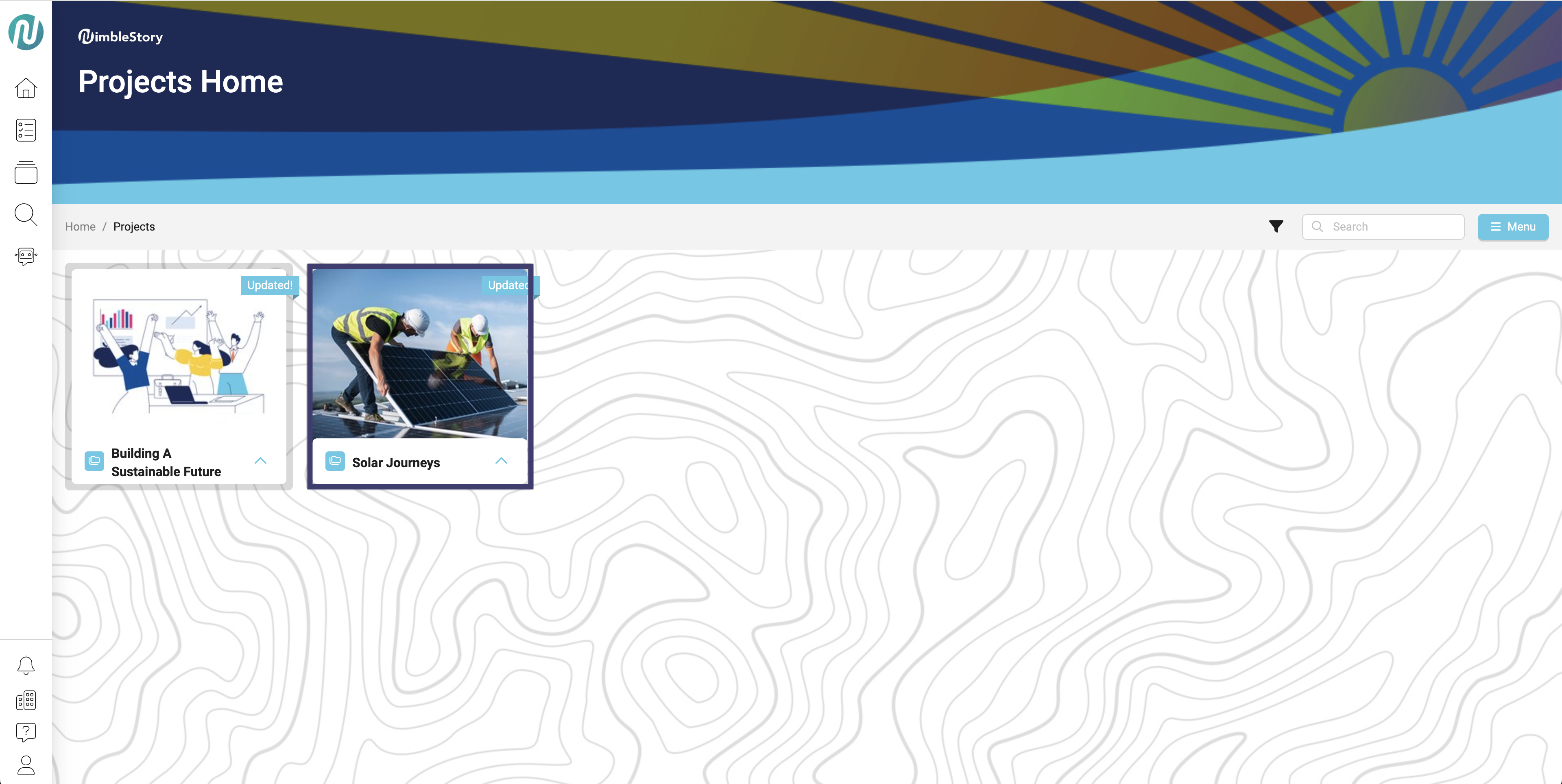
- Click the plus button
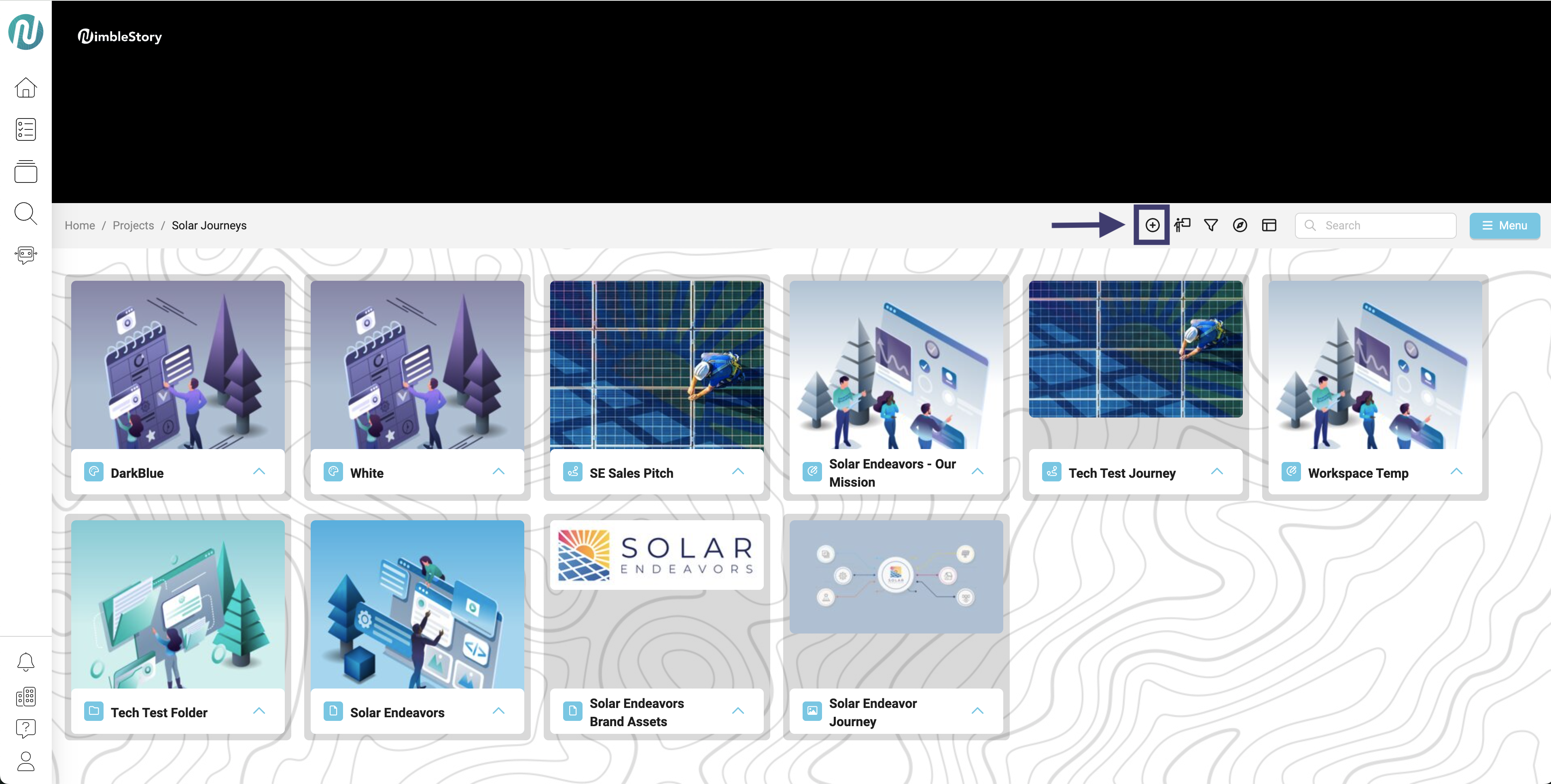
- Select “Data Source”
-
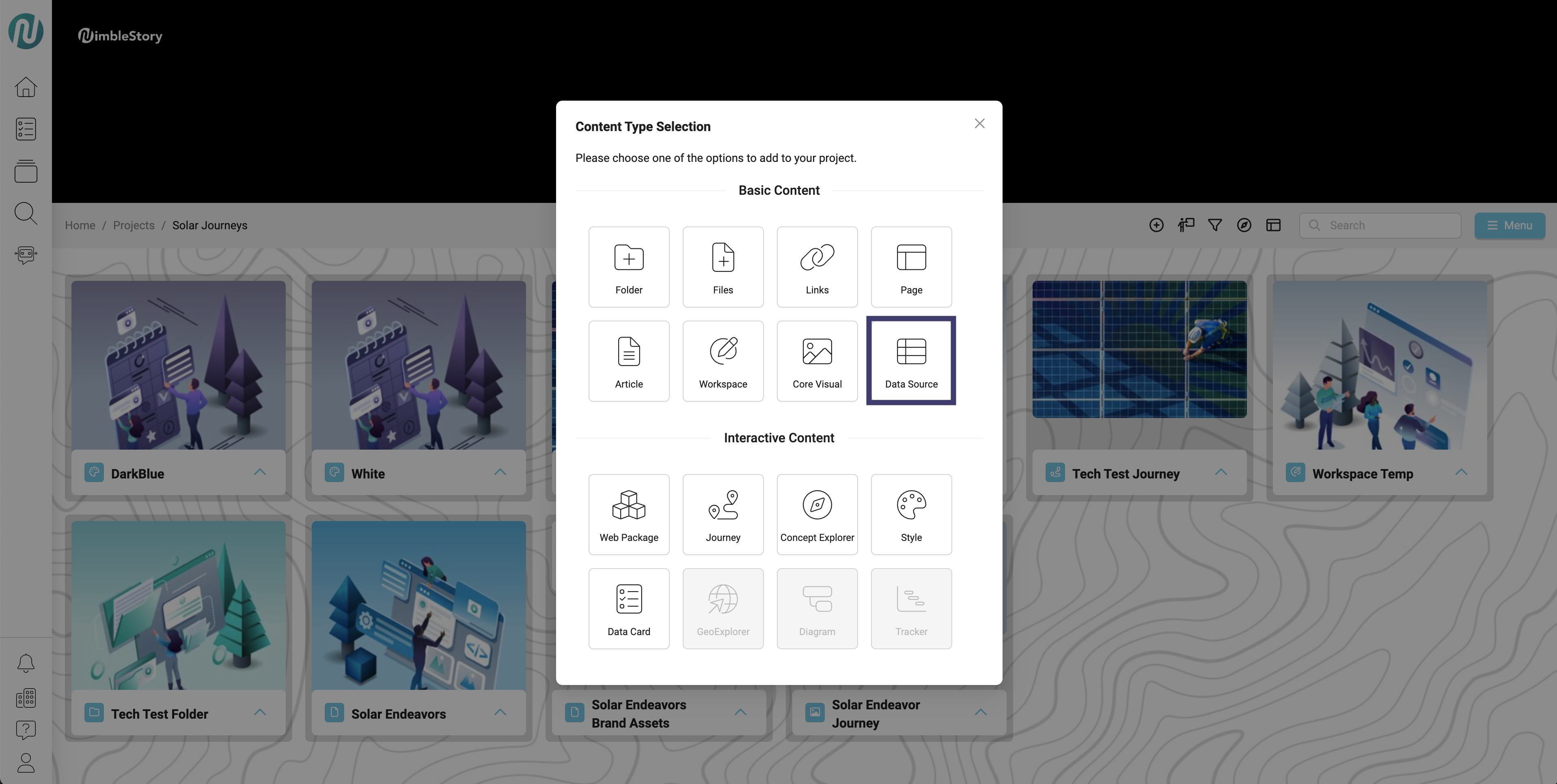
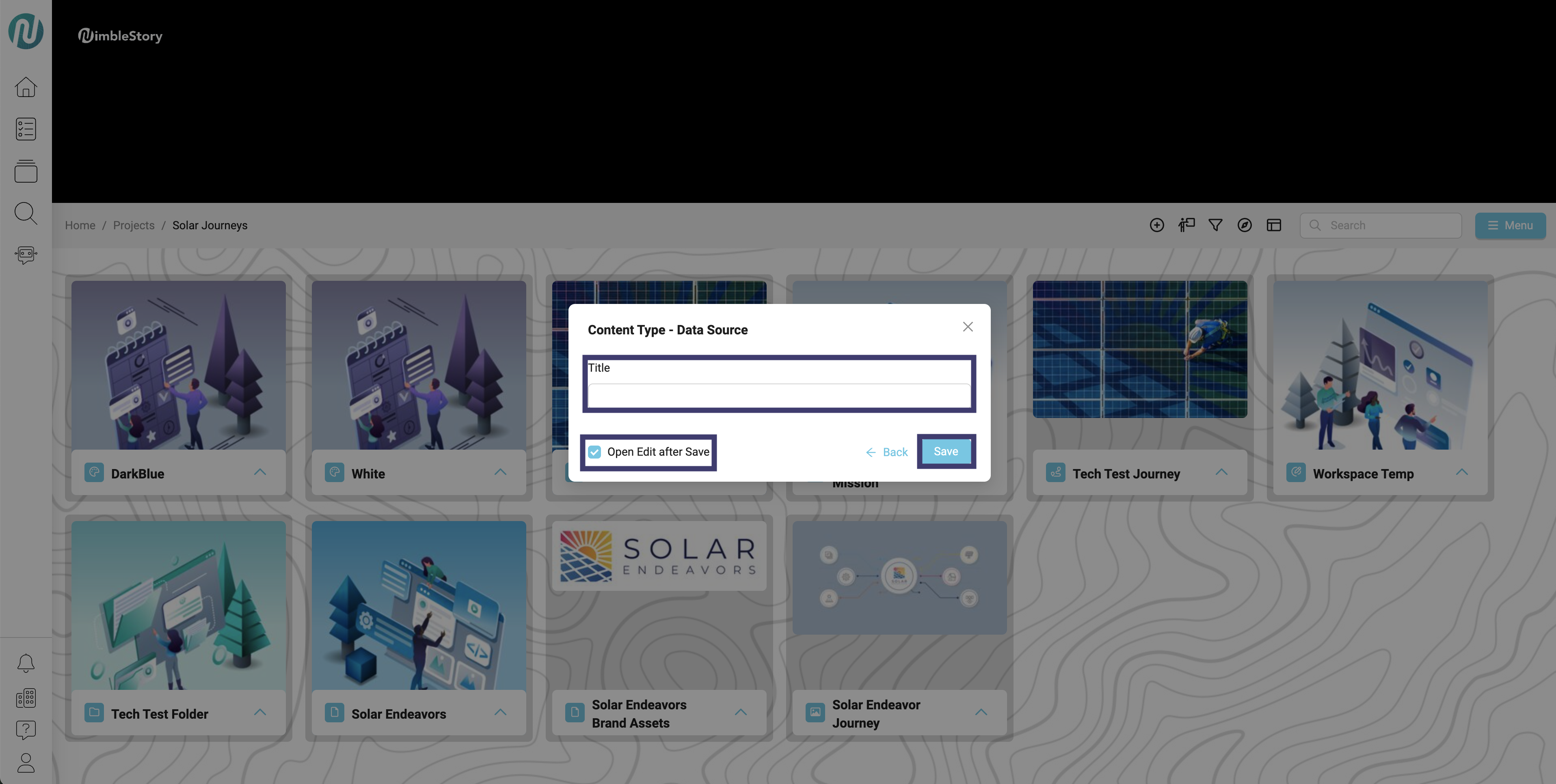
Create a title for your Data Source
- Click the “Open Edit after Save” box so the check mark appears
- Click “Save”
-
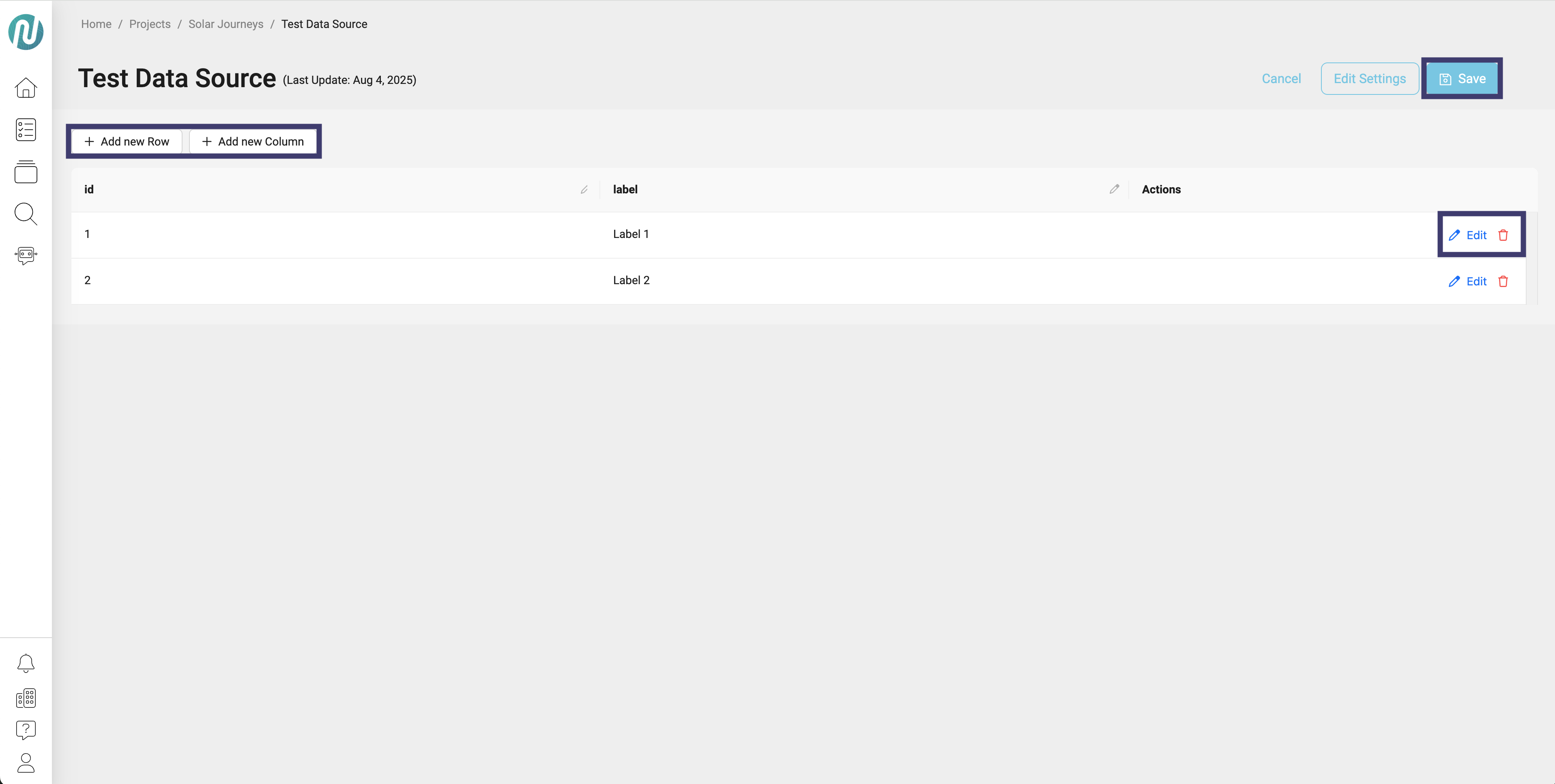
An edit screen will appear. Here you can:
- Add new Row
- Add new Column
- Edit/Delete a row
- Click Save