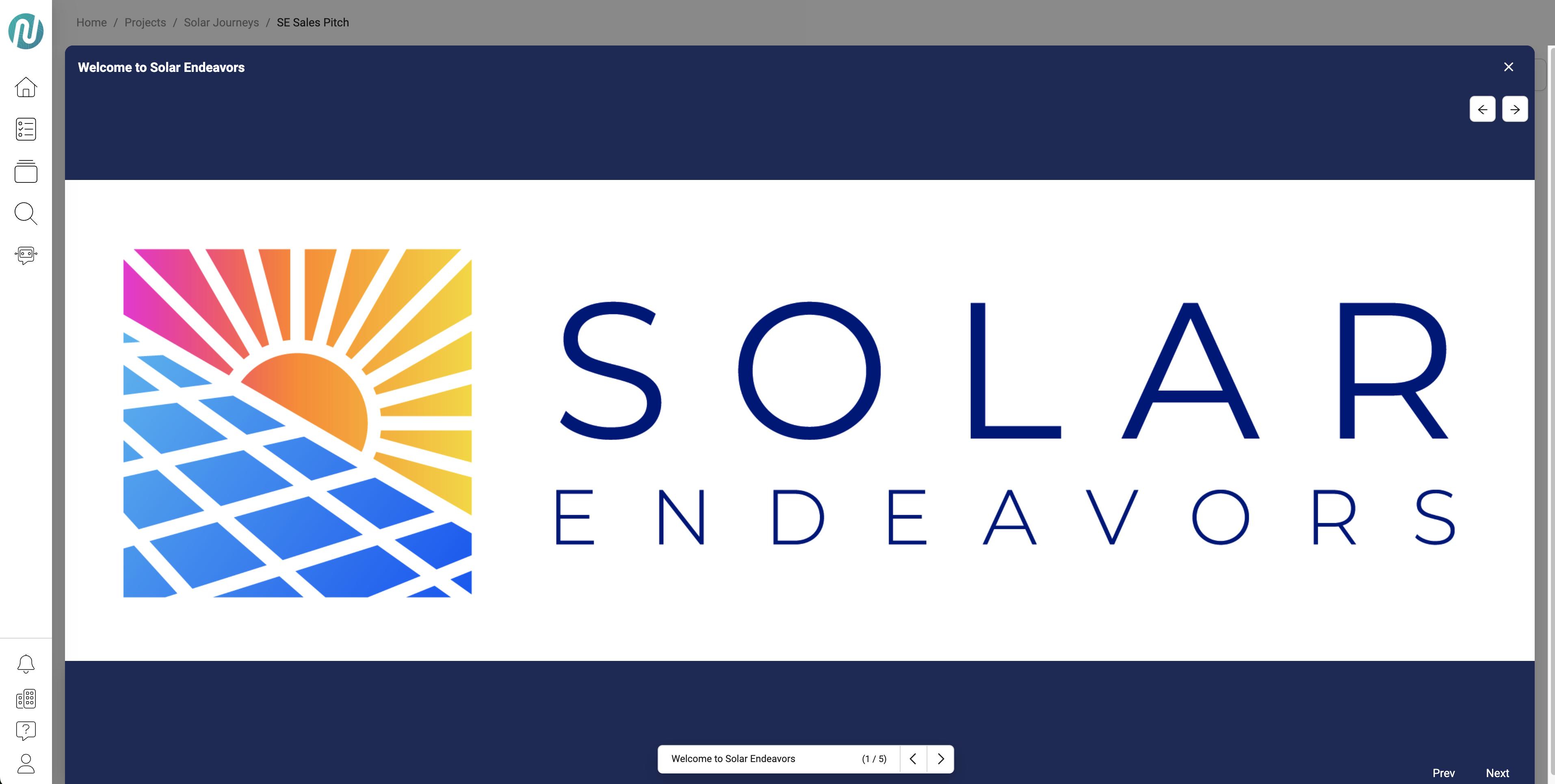
Full Modals for Journey/Concept Explorer
📘 Overview
Waypoints can be set to open in full sized modals which use more screen space than the existing Small, Standard, or Large sizes that were available initially.
How to set a modal to be full sized:
- Select the Journey or Concept Explorer that you would like to edit
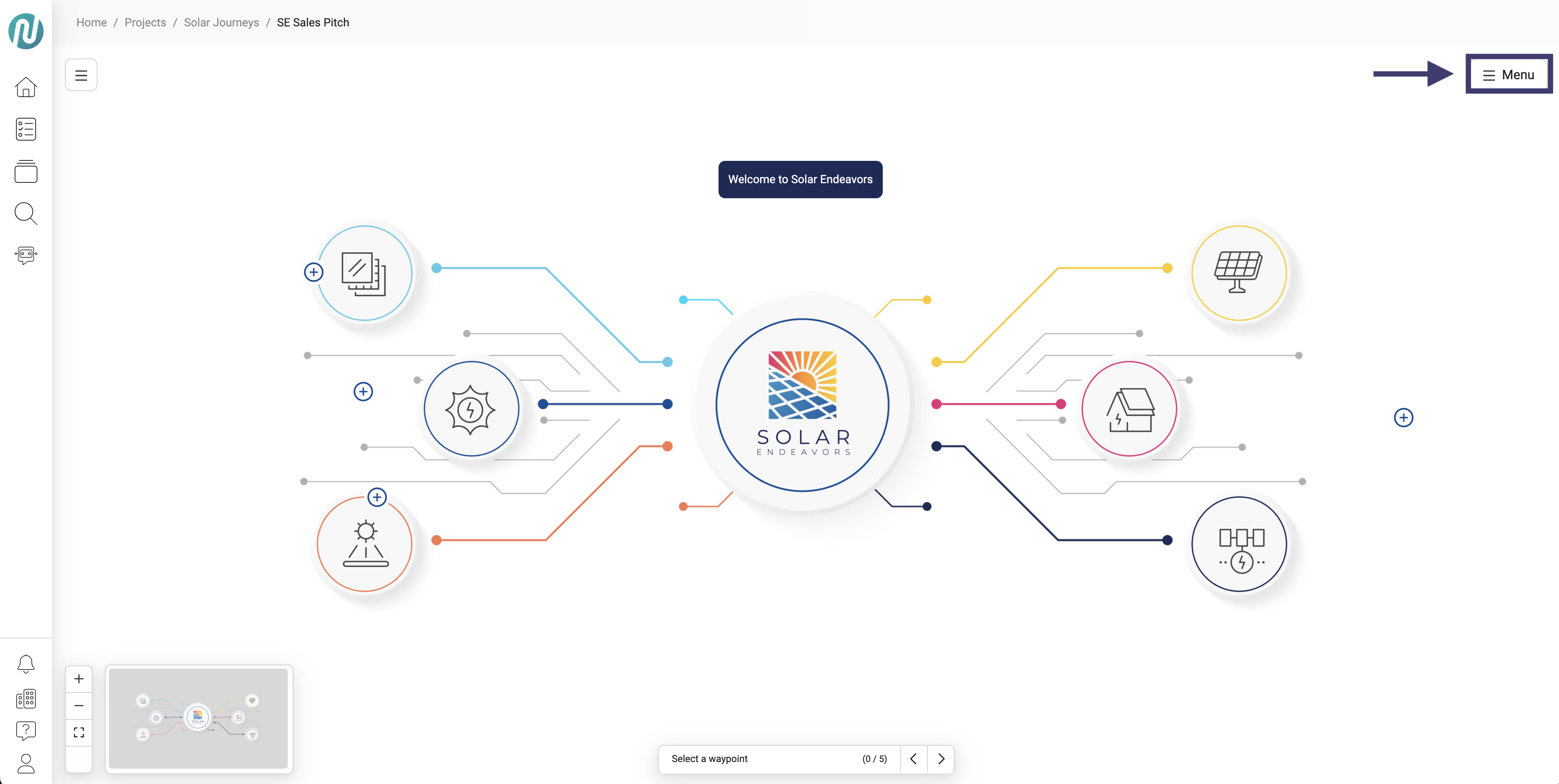
- Once in the Journey/Concept Explorer, click the Menu button
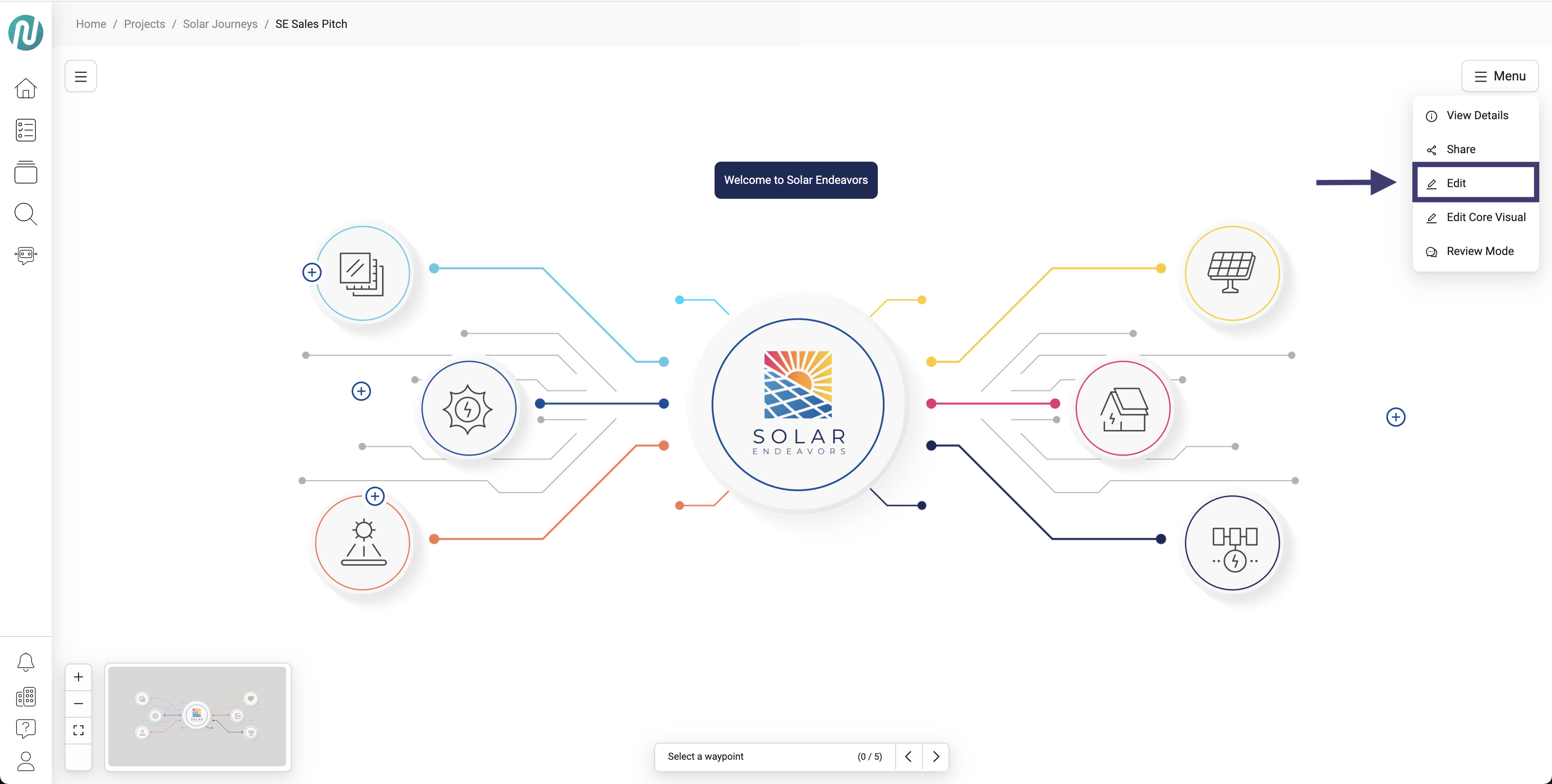
- Click Edit
-
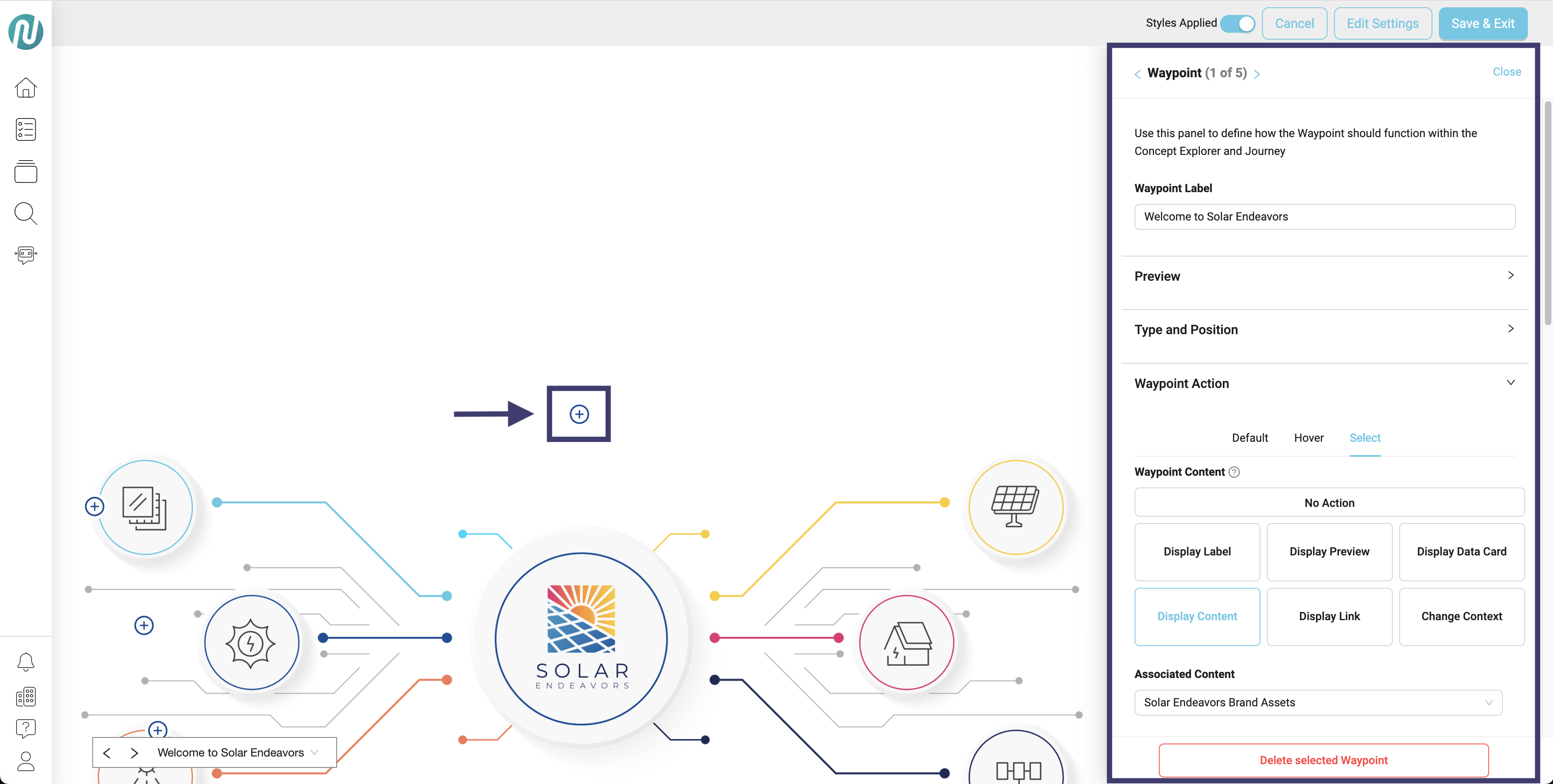
After you click Edit, select the waypoint you would like to make changes to
- Once you click the waypoint, a modal will appear on the right
-
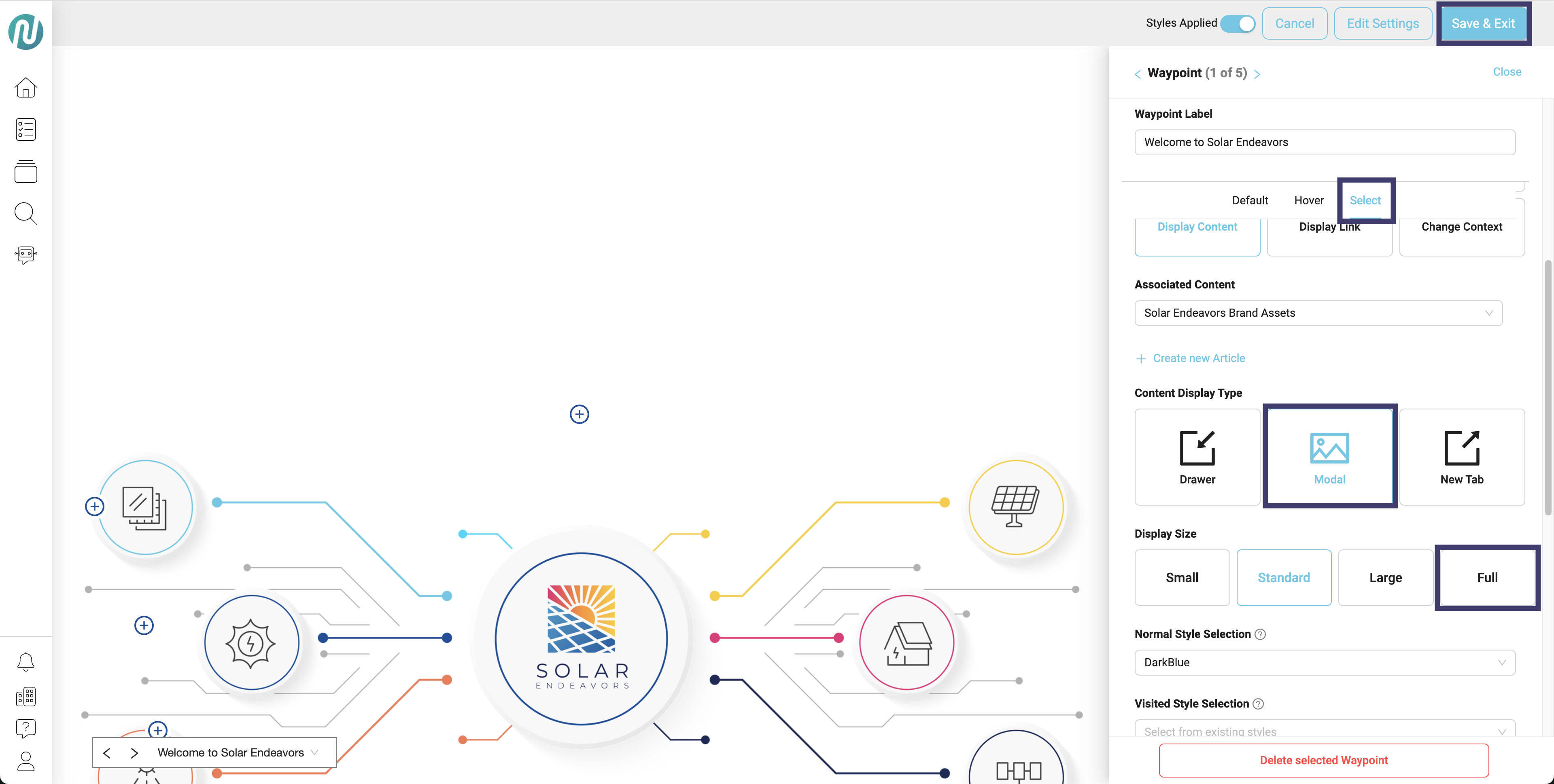
Within the modal, scroll down a little and click in the following order:
- Select
- Modal
- Full
- Save & Exit
- Now, if you click on the waypoint you will see your content displaying full screen within the NimbleStory platform