View: Collections Detail
📘 Overview: Collections
Collections are a predefined set of filters that are made available to you to quickly view different types of content across your various projects. You can access the Collections Home view by selecting the Collections from the main navigation on the left side of the screen highlighted in green in the image below.
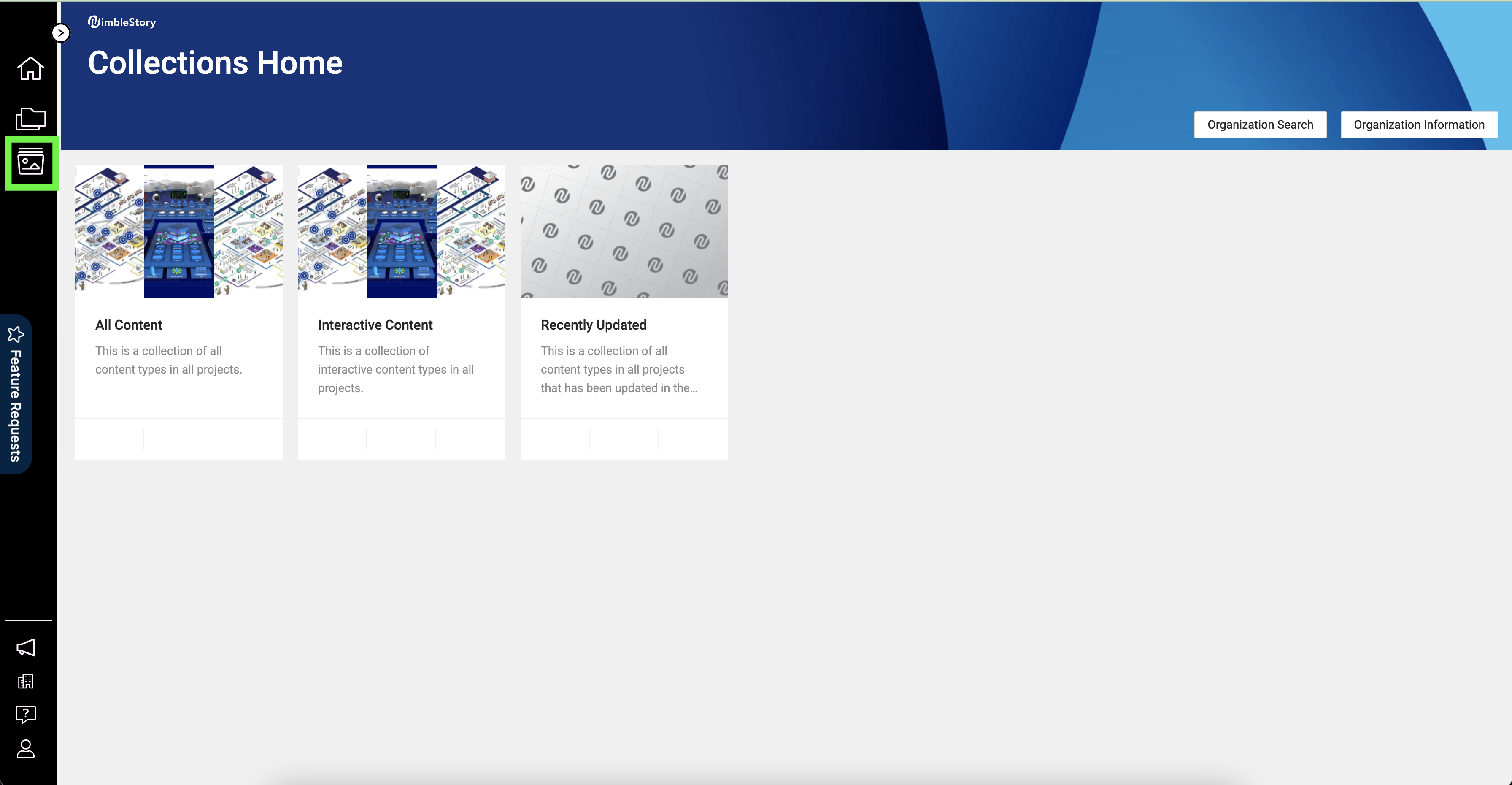
There are three basic Collections, currently:
· All Content – displays all available content to the user, regardless of Project
· Interactive – displays only content that includes Workspaces, Concept Explores, Geographic Explores, and other interactive media
· Recently Updated – displays only the content that has been updated or added within the past 30 days.
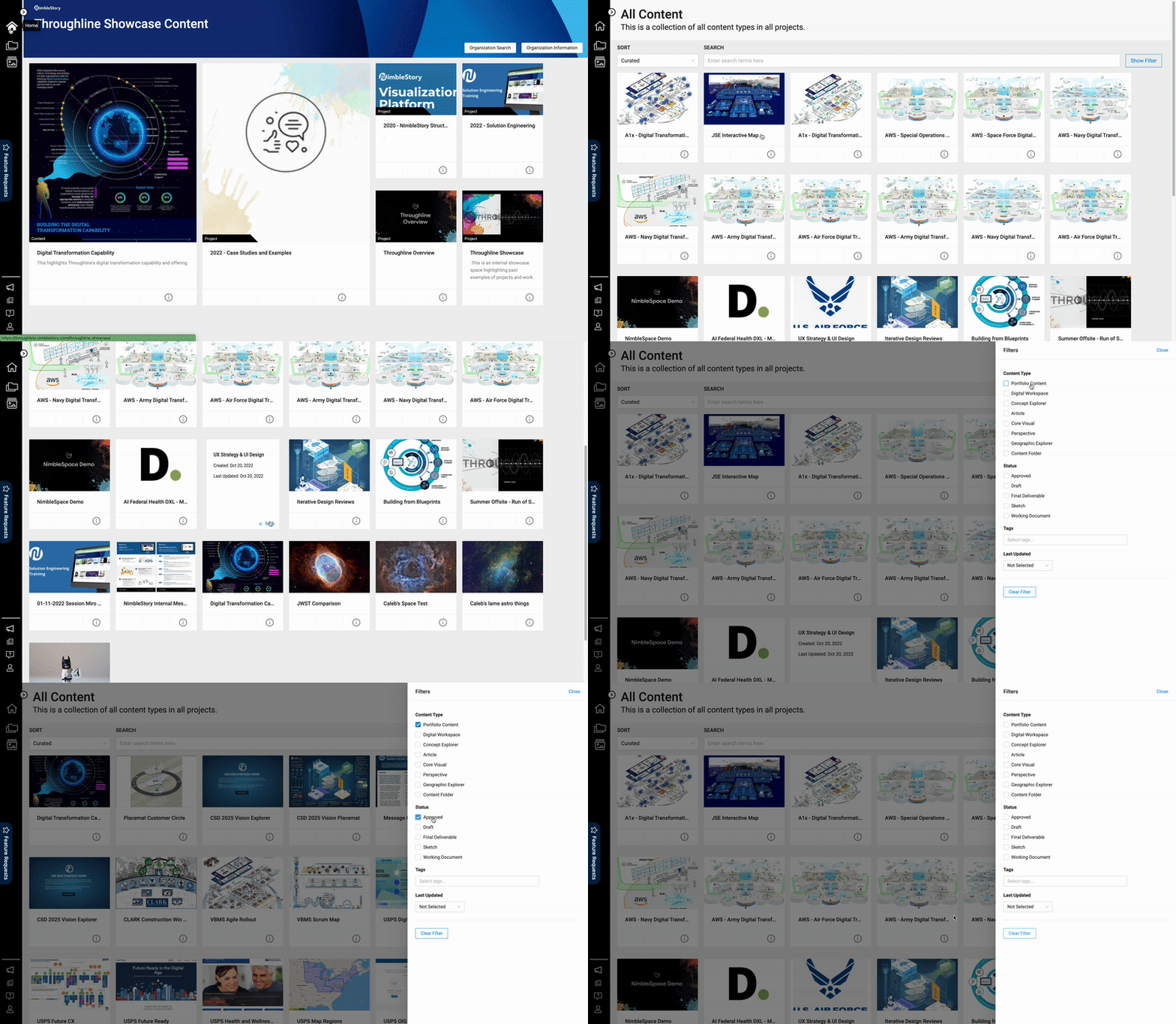
When a Collection has been selected you will be presented with a Collection Detail view that includes all the related content associated with it. Each item displayed will be presented as a card with a cover image preview of the content if it’s available. Additionally, you can apply further filters to refine what is presented by selecting certain content types, tags, or statuses. If you select a piece of content from within the Collection you will be taken directly to it and the specific Project that it is stored in.