View: Organization Home and Project Lists
📘 Overview: Organization Home
Every NimbleStory environment is structured with the context of a customer’s Organization in mind. The Organization is the highest-order structure that you will have access to. When a user logs into NimbleStory they will be taken, by default, to the organization they belong to. The first view, called Organization Home, displays a list of all the Project and pinned content that the user has been added to.
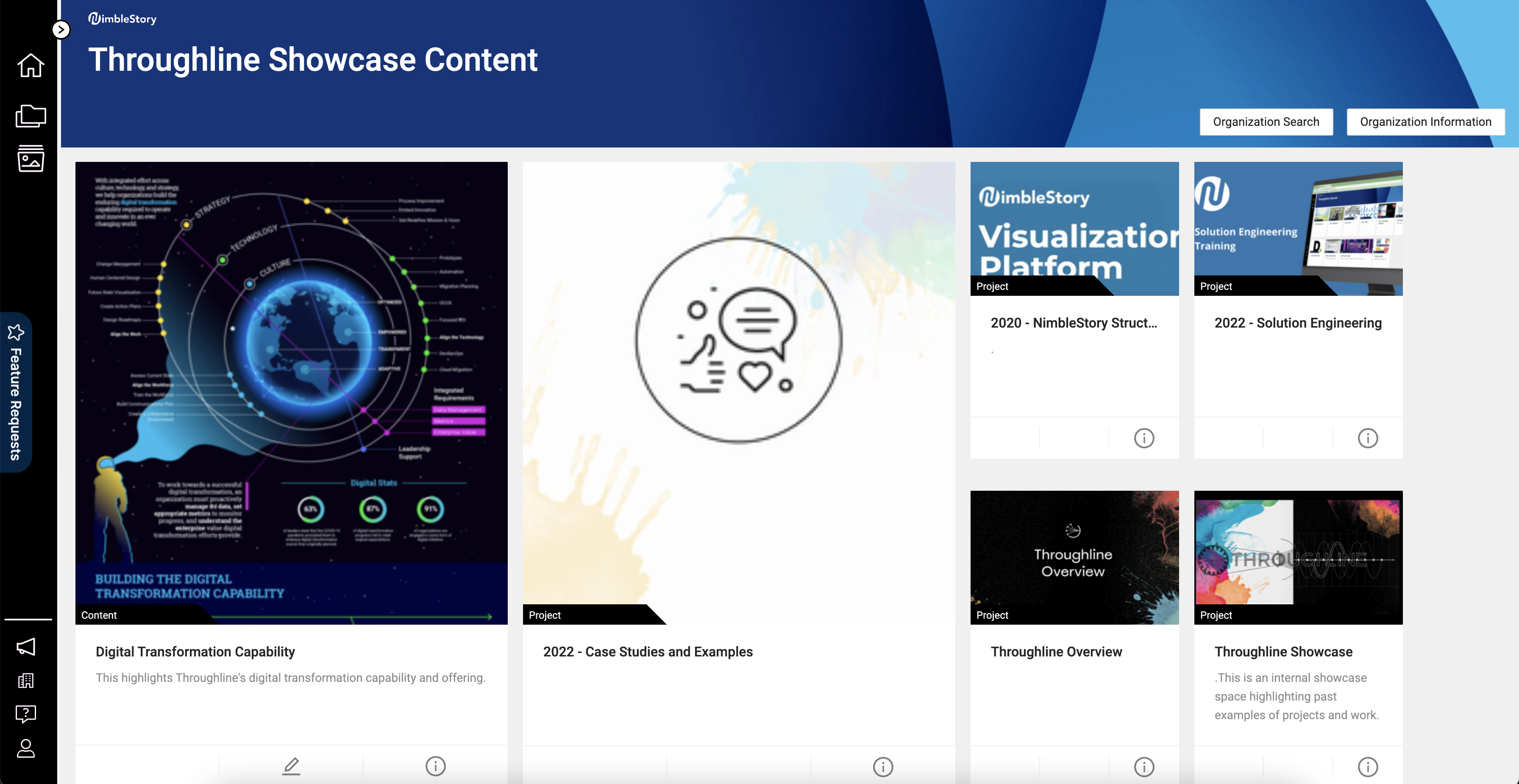
Within an Organization are Projects, which are the different spaces in which content and collaborative workspaces are stored. An Organization may have a single Project or many depending on the needs, scale, and objectives of its users. To view a Project, a user must be invited to it and there may be many Projects that only certain users will have access to. On the Organizational Home view, each Project will be displayed as its own card.
NOTE: Users with the Project Management and Org Admin permissions can create new Projects within their Org.
NOTE: A user can have access to multiple Organizations at one time and can switch seamlessly between them.